Plesk Extension

Distribution mail groups
that don't hit the outgoing limit

Fan out one incoming message to a whole team — straight through Postfix, with no SMTP re-injection. Group deliveries never count against the sender's hourly mail limit.

Free: 1 group, 2 members · Pro: unlimited · Plesk Obsidian 18+

Forwarding and mailing lists count. This doesn't.

Plesk mail forwarding and mailing lists re-send each message over SMTP, so every fan-out is billed against the sender's outgoing limit. Mail Groups expands recipients during delivery instead.

MethodHow it deliversCounts against outgoing limit?
Plesk forwardingRe-injects via SMTPYes
Plesk mailing listRe-injects via SMTPYes
Mail GroupsExpanded during deliveryNo

Everything, from the panel

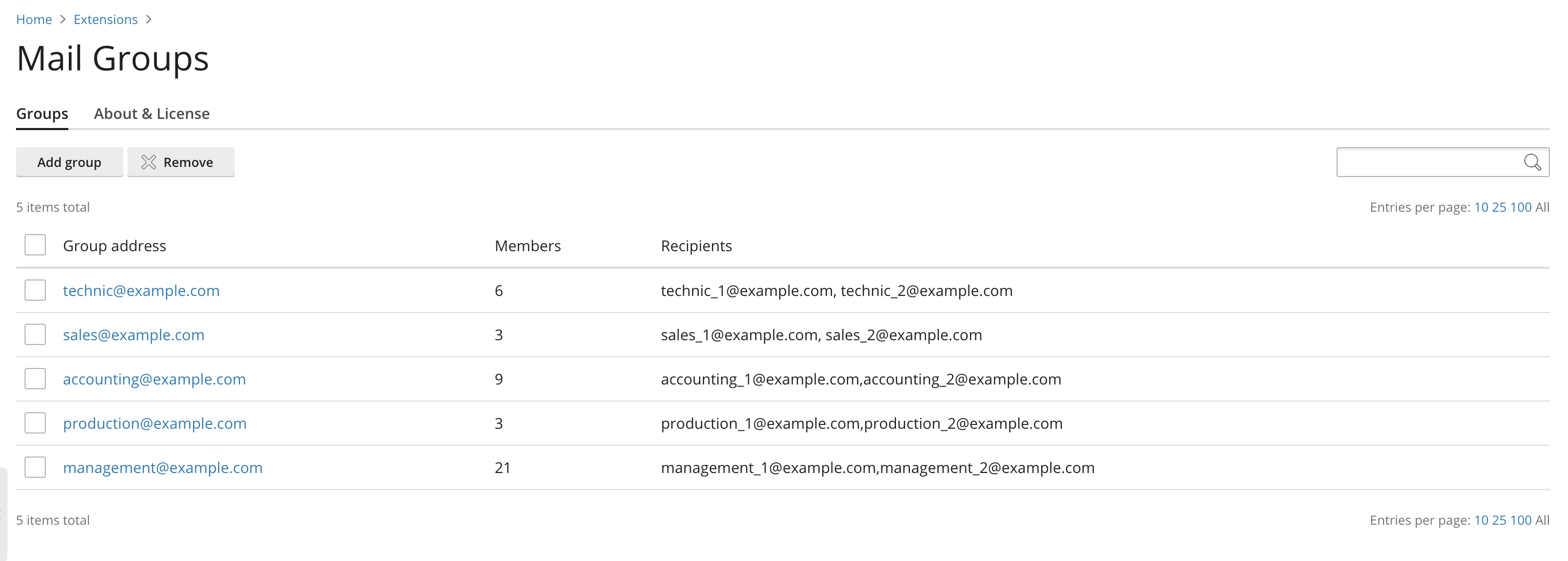
Create and manage every distribution group from a clean Plesk interface.

📮

Panel-managed groups

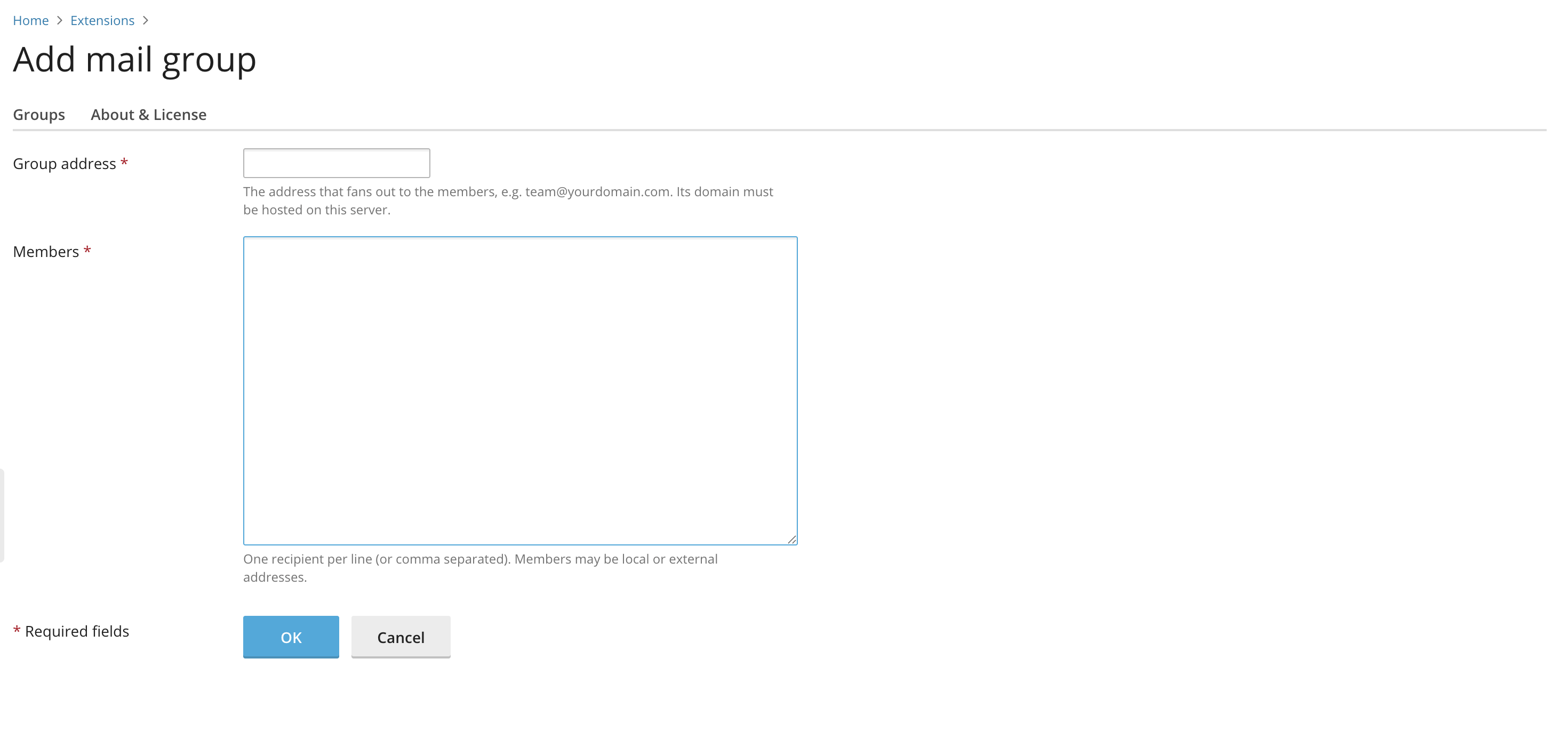
Create, edit and delete distribution groups and members in a clean Plesk UI.

No outgoing-limit hit

Messages are expanded during delivery, invisible to the SMTP send counter.

🛟

Safe changes

Every change is validated and applied atomically, with automatic backups.

🔁

No double delivery

Guards against the classic mistake of a group that lists its own address.

🔒

Admin-only

Server-wide mail configuration stays where it belongs — with administrators.

🔄

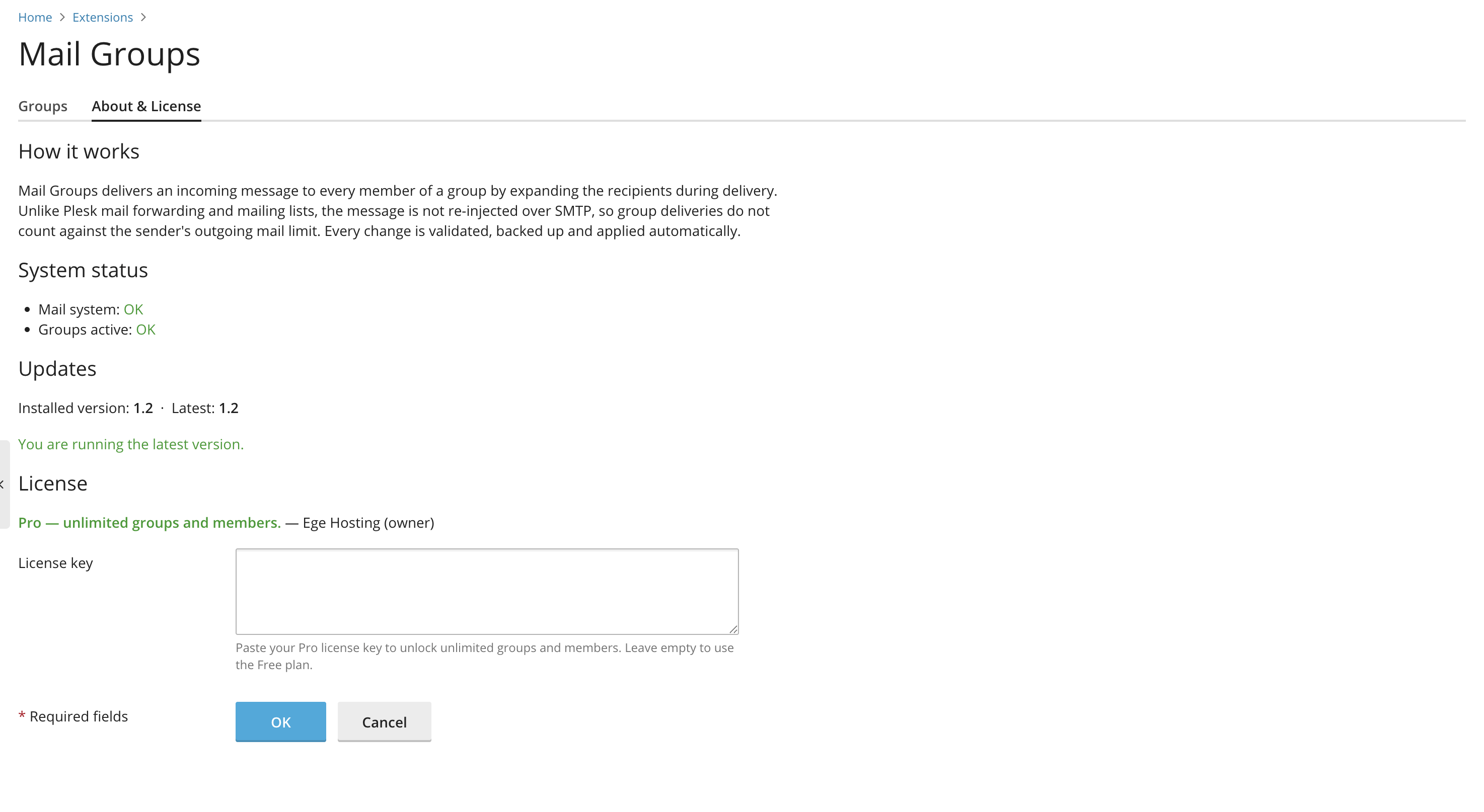
Built-in updates

The extension checks for new releases and shows the one-line upgrade command.
How it works

Three moving parts, all handled for you.

Define a group

Pick an address on one of your domains and list the recipients — local or external.

Postfix expands it

Incoming mail to the group address is rewritten to all members during delivery, not re-sent.

Members receive it

Everyone gets the message and the sender's outgoing counter stays untouched.

Simple pricing

Start free. Upgrade when you need more than one group.

Free

$0
  • 1 distribution group
  • Up to 2 members
  • Panel management
  • Safe, backed-up edits
  • Multiple groups
  • Unlimited members
Download
POPULAR

Pro

$29 / server, one-time
  • Unlimited groups
  • Unlimited members per group
  • Panel management
  • Safe, backed-up edits
  • Priority email support
  • Free updates
Buy Pro license

Install in a minute

Upload through Plesk, or from the command line.

# download the extension
wget https://mailgroups.egehosting.com/download/mailgroups.zip

# install (or --upgrade to update)
plesk bin extension --install mailgroups.zip

# then open: Plesk → Extensions → Mail Groups

FAQ

Why don't group deliveries count against the outgoing limit?

Plesk counts messages that a mailbox sends over authenticated SMTP. Mail Groups doesn't send anything — the mail server rewrites the single incoming message to every member during delivery, so there is no new SMTP send to count.

Is it safe for my existing mail setup?

Yes. Mail Groups keeps its own dedicated recipient map, separate from the rest of your mail configuration. Every change is validated and applied atomically, and the previous state is backed up automatically. Uninstalling the extension removes its groups cleanly.

Can members be external addresses?

Yes. A member can be any mailbox on the server or any external address. The group address itself must be on a domain hosted on the server.

How are updates delivered?

The extension checks this site for new releases and shows a one-line plesk bin extension --upgrade-url command when an update is available.

Which Plesk versions are supported?

Plesk Obsidian 18.0 and newer, on Linux with Postfix as the mail server.